When a MotoGP weekend gets busy, I want Race Results to answer the simple questions quickly: when is the next session, and how is the championship looking? iPhone Duo gives me a compact screen for a quick check and a larger one when I want to look through the whole weekend.
The iPhone Duo layout was introduced in version 1.9.0. The video shows the phone opening; the screenshots use example race data, so times and standings will change in the app.
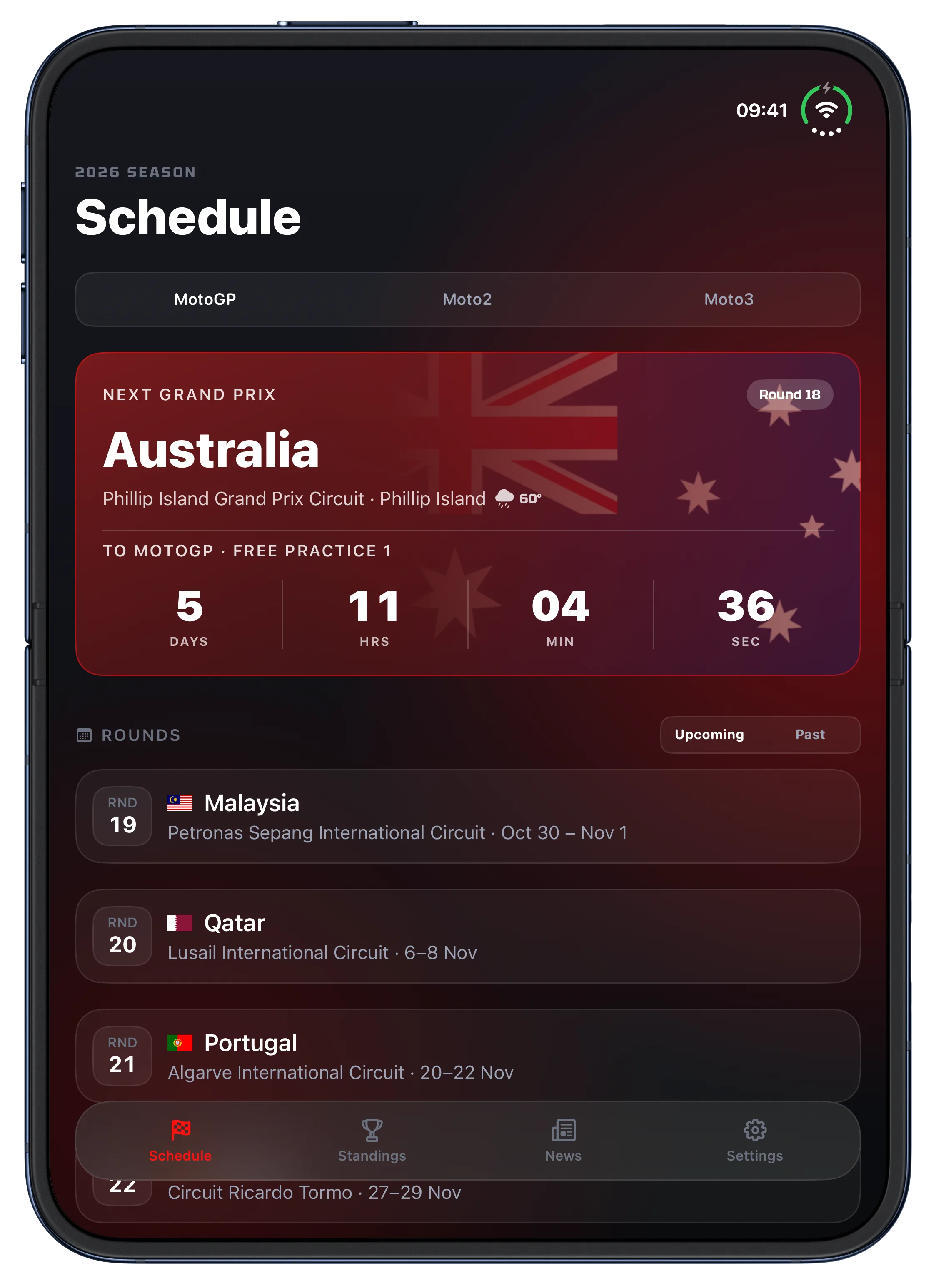
Follow the weekend schedule
Open the phone and the schedule can show more sessions without losing the next one at the top. It is easier to plan when to sit down for qualifying or a race.
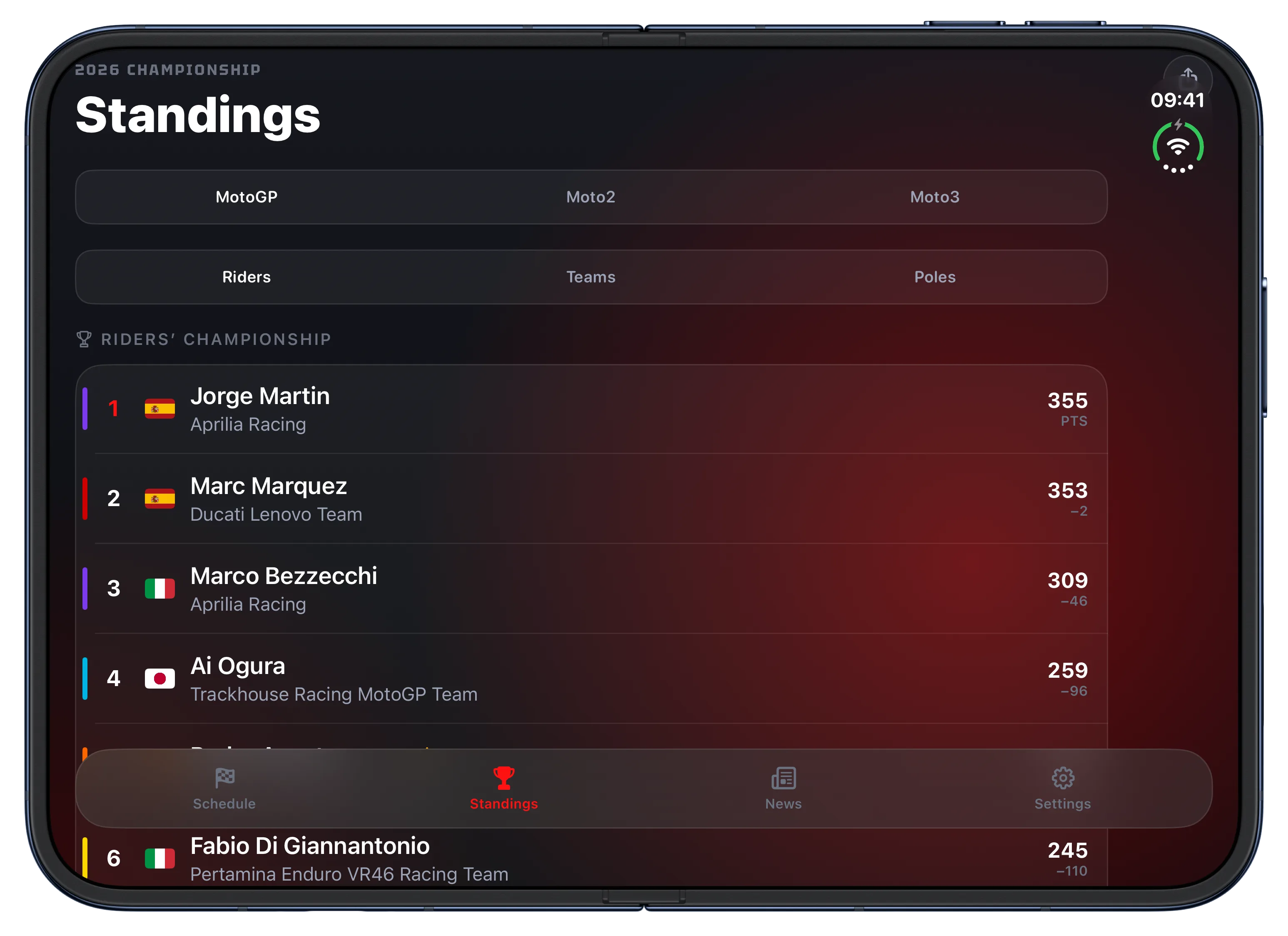
Read the championship standings
The standings benefit from the extra space too. You can scan the order and points, then dive into a rider when you want the details.
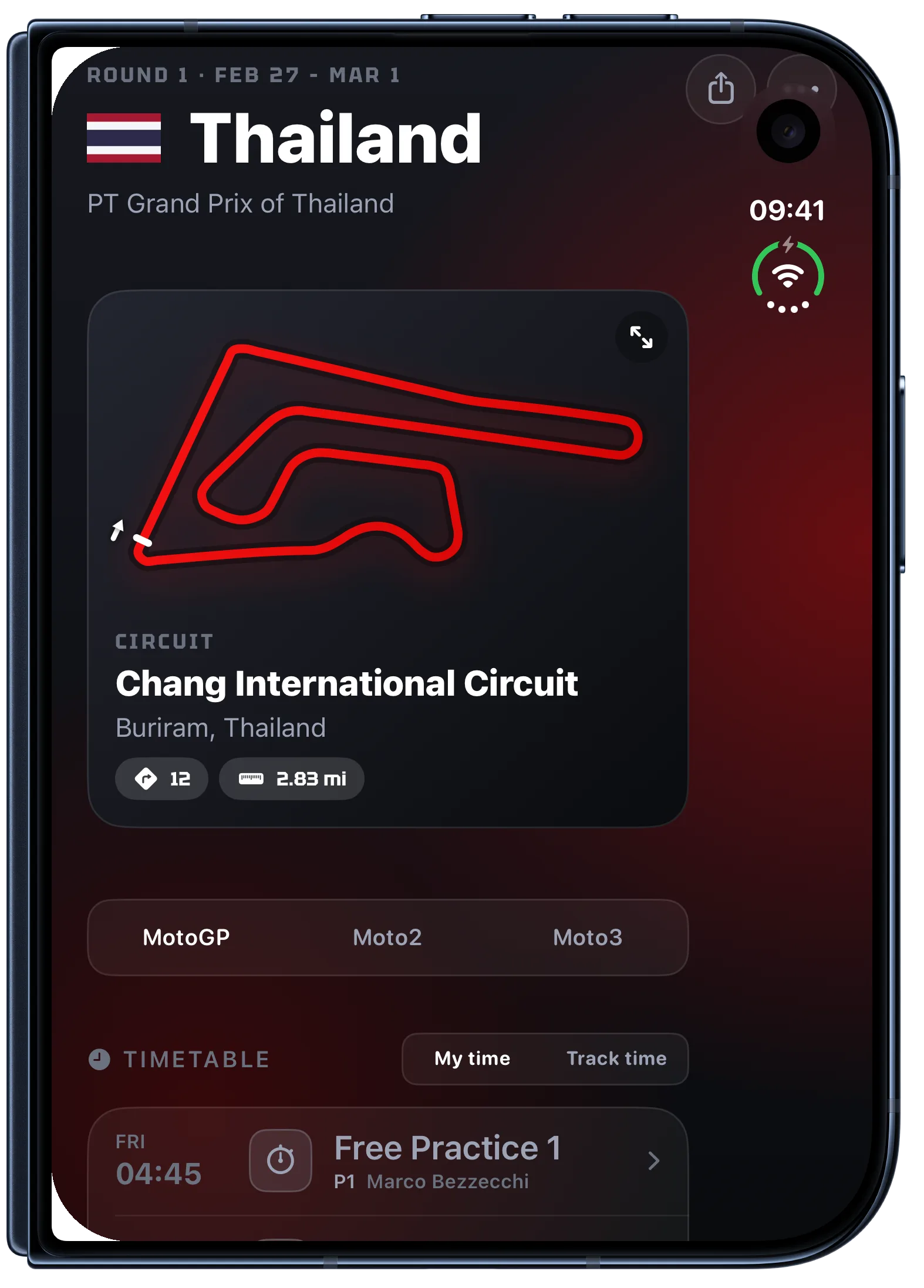
Check race details on the cover
On the cover screen, you can still check a race's circuit and timetable with a quick glance.
For press: Download the iPhone Duo screenshot pack. It has ten app screens, each with and without device bezels.
I follow these weekends as a fan too, so I notice when a screen gets in the way of the racing. Thank you for using Race Results, for sending corrections and ideas, and for supporting the app. Hearing from other MotoGP fans helps me make the next update better.
See you at lights out,
Manuel Escrig